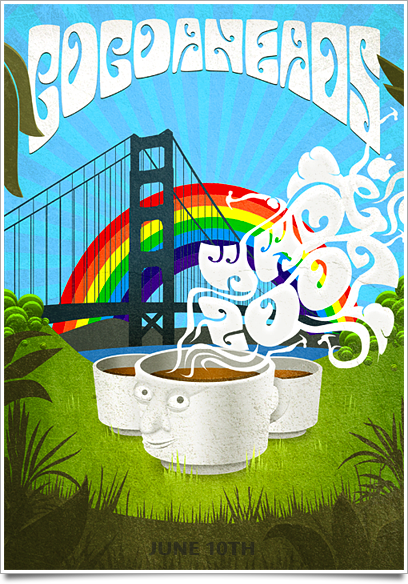
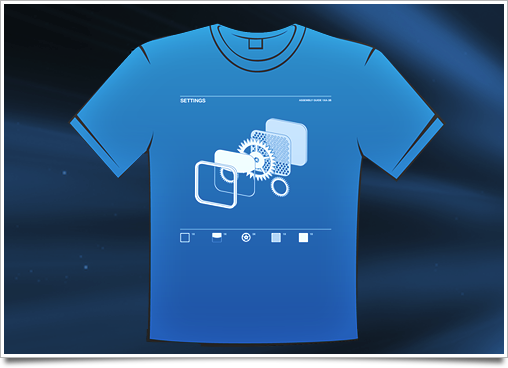
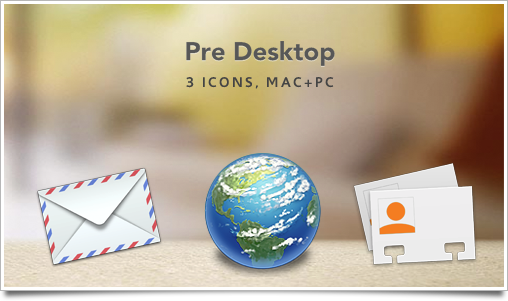
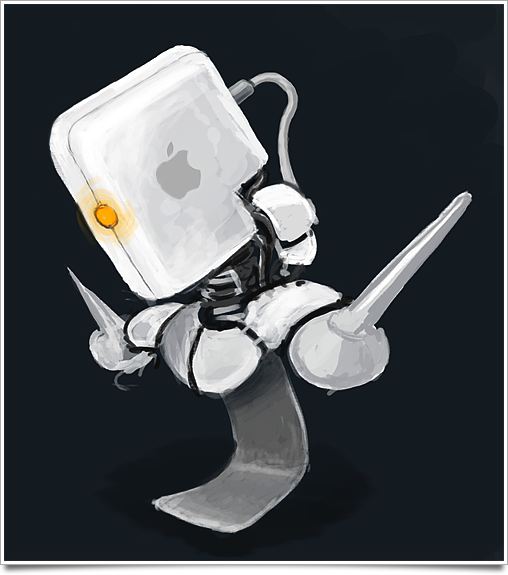
A final teaser of things to come.
December 6, 2007 on 8:00 pm | In Icon Design, Personal WorkAs the holidays are approaching, I have decided that I am better off spending a few days not working in the year and taking the time to perfect my icons and the details in them. I will be blogging a bit less, and I probably won’t release much, if anything in the rest of 2007. But January 2008 will certainly be the date of the extended Orion iconset, and another set that I am working on in my spare time. I decided to show that off to whet your appetite for the holidays and the new year. Work in progress!

Apart from a good system-replacement set, I will release a set of icons in a theme of my first portfolio website; the ‘forgotten mainframe’; overgrown electronics from damp rainforests on alien worlds. I don’t want to make the same mistake as I did with Orion, so sound off in the comments if there is any motivation for this to be a system set instead of just a small icon set.
Orion: the Aftermath
November 29, 2007 on 9:14 pm | In Announcement, Design, Graphics, Icon Design, Personal WorkMy, what a few insane days it has been. Orion hit the Apple website, while also being linked from other major sites like the Iconfactory. At the moment of writing, Orion just exceeded a grand total of 300 GB in downloads, with well over 150,000 new visitors on my websites. Actually, it’s the fourth most downloaded thing on Apple.com, just under iTunes, Quicktime, and Safari.

I got a lot of email asking how to use the icons, and I gladly replied; Kupuk’s great tutorial of the ‘good ol’ manual way’, and Panic’s awesome Candybar 3. Of course, your downloads are flattening and the kind emails and comments have been very encouraging. Work on the extended set of Orion, with all system replacements for Mac, Windows, and Linux, along with several creative new folder motifs, has commenced already. I will push out a new volume with a complete system replacement icons, and a dock for OS X, late in December or in January. What’s that? A sneak peek? Okay, one of the ‘fantasy’ microsets in the extended Orion is… a ’sci-fi’ themed, highly detailed EVE Online architecture set.

Permission from CCP Games pending.
What is most important in all of this, is your feedback. You want more folders? What kind of folders? Your vote counts! As the cumulative comments of this blog are reaching 500 fast, there is chance that your comment will be the 500th - which means prizes, baby!
Drop your requests in this post’s comments and have a fair chance of winning a full license for Noble, my stock icon set, and a single folder icon request for the upcoming extended Orion iconset that will be fulfilled - guaranteed!. Of course, comments on all posts are eligible - be sure to use your actual email address.
Flickr Pro.
November 26, 2007 on 5:41 pm | In Announcement, Personal WorkI purchased a Flickr Pro account today, having the benefit of unlimited uploads, sets, and collections seemed like a great deal to me and I have come to love flickr over the time I had an account there. To put the new account to good use, I registered my personal part of flickr and added a good lot of sketches and a more complete set of icons I have made (although far from everything).
You can find my account at www.flickr.com/photos/cocoia/ from now on.
Orion set sheet preview.
November 22, 2007 on 9:08 pm | In Design, Graphics, Icon Design, Personal WorkFor those of you holding out on Orion (for whatever reason) or those that are curious, I compiled a sheet with Orion’s icons at all special sizes. Of course, you can find the (high-resolution 512 pixel) icons in the icon set itself.
New freeware iconset release: Orion.
November 21, 2007 on 11:26 pm | In Announcement, Design, Graphics, Icon Design, News, Personal Work, PopularFor the last month, I have been working on a freeware icon set to supersede all my older work. I was interested in how much I could learn by attracting critique from the most valued artists and criticasters I have in my buddy lists and address book, and I took it all to the heart. I decided to make a folder set that would find the middle ground between the flat front-on perspective of Mac OS X Leopard and the old, spatial perspective of folders in Tiger.
Graph your Airport Express / Extreme data throughput and more.
November 6, 2007 on 6:44 pm | In Code, Hacking, How-To, Personal WorkIn an earlier post, I asked for your interest in a how-to on graphing several network statistics using MRTG, an open-source application that generates graphs using data pulled from SNMP. I used an Airport Extreme (802.11n, gigabit) for this, but it should work with Snow / Graphite Airport base stations and up (Express and Extreme). For other routers, your mileage may vary, and it may even not be possible, so I decided not to make a guide for anything else than Apple’s routers. If you want to have graphs in your desktop, updated in real time, as seen here, read on!
Continue reading Graph your Airport Express / Extreme data throughput and more….
Making iPhone icons.
November 2, 2007 on 7:04 pm | In Design, Graphics, How-To, Icon Design, Personal Work
![]()
In my free time, I have been experimenting with the iPhone home screen icons. I was initially pleased by the icons, but found several to be lacking after having looked at them for prolongued periods of time. Since I don’t want to be greedy, I will share some techniques, know-how and tips with you to help you get up to speed designing icons for your own iPhone. I will also look at my upcoming set of icons and discuss why I am changing so little to the look of the default icons.
Making the Icon: Photon
November 2, 2007 on 2:04 pm | In Commercial Work, Design, Graphics, Icon Design, News, Personal Work, Software ReleasesToday, Photon was released by Green Volcano Software. Photon is basically the missing link in your photography workflow and a lot more; it helps you preview, arrange, sort and organize images, even when they are still on your camera or memory card. It’s exceptionally fast in handling large images in equally large quantities. I helped the developer, Michael, with a bit of testing and made the application icon. Read on for the process of making Photon’s icon.
Preview of upcoming release; limited edition prints.
October 29, 2007 on 11:42 pm | In Announcement, Design, Graphics, Personal Work
Coinciding with a new freeware icon release and a very large batch of client work, Cocoia will soon start selling a series of prints in line with the work I used to make before I started this blog. If you are unaware of what kind of graphic work I did, this might be a nice chance to explore the expressive prints in my ancient deviantART gallery (this work is not representative of my current quality standard, please keep that in mind).
The recurrent theme in the prints is nature conquering our technological leaps. The icons I shall be dealing out will remain shrouded in mystery, for now.
You can do fun stuff with the Leopard dock, too.
September 5, 2007 on 7:23 pm | In Design, Graphics, Icon Design, Personal WorkIn all the recent blogging about the Leopard dock, mostly negative, I decided to see if i could come up with some icons that go well with the new dock’s look. For the uninformed, the Leopard dock has a reflective ‘table’ underneath, which stirred a lot of commotion into the Mac community as being way over the top, too inspired by project ‘Looking Glass’ by Sun, and being very ugly when pinned to the left or right side of the screen.
Personally, I’ve been a bit quiet about the interface and icon developments in Leopard for the simple reason that I now have Leopard complete with the NDA that comes with it and I can’t disclose much, let alone make elaborate reviews on its (not even finished) interface elements. But honestly, I dig the Dock. In response to all the negative input, I much rather dislike the Tiger default dock, with the odd semi-opaque white rectangle behind it and the unclear separators. The Tiger dock has a very big issue with seeming ‘cluttered’ when either non-Apple icons or more than 9 icons are in it. Apple seems to have noticed, and put icons on a plane, extending the natural ‘tabletop’ perspetive. The Rogue Amoeba blog pointed out that this table perspective placed on the side of the screen doesn’t work, but I’d like to respond to that that in general, as icons are developed for the particular ‘tabletop’ perspective, that any dock doesn’t really work well when placed sideways. According to the guidelines, icons are just not meant to be placed on top of each other, but next to each other. We also read from left to right, not from the top to the bottom, so placing the Dock at the bottom is a natural thing to do, and I rarely see people doing otherwise.
Of course, redundant shadows bug me too. Of course, I think reflecting window contents and the desktop background goes a bit far. But has it bugged me since using Leopard? No, it hasn’t. With the new default wallpaper, you never notice the extra shadows (which is why I suspect Apple plans to take them out, and if they aren’t, there’ll be tools to do so faster than you can say ‘ihateit’) and the whole looks very unified and beautiful. Here’s a shot of my dock on Leopard;
![]()
As you can notice, a few icons stand out as seeming to be made for this new Dock. I’d say the Time Machine icon looks really good on it. But I want to point out that the four-legged assault droid that I use as my dock separator actually uses it as a design element. It’s been made specifically for the Leopard dock, and it strengthens the look of the icon. I created this very small new icon set to explore the possibilities. You can download the set now, on Icon Designer.

Notice how these two icons wouldn’t have been as strong in the Tiger dock, but really gain in power and meaning in the new dock. The conclusion? Adapting to the changes in the interface of Leopard can only be done by icon designers who find creative solutions. You can always make things look good, as long as you are creative.